01
Badge Recognition
Earn verifiable badges tied to real contributions and publish them across your professional presence.
DigiClickIt Academy
A modular learning hub and showcase platform built for digital creators, freelancers, and teams ready to publish work, sharpen skills, and collaborate inside a contributor‑driven ecosystem.
Curate your projects, access structured training assets, and apply for community badges that validate your expertise.
Badges
Skill‑verified recognition
Assets
Modular training library
Contributor badge benefits
DigiClickIt Academy badges turn your contribution into recognition, while modular assets and collaboration pathways help you showcase real-world impact.
Earn verifiable badges tied to real contributions and publish them across your professional presence.
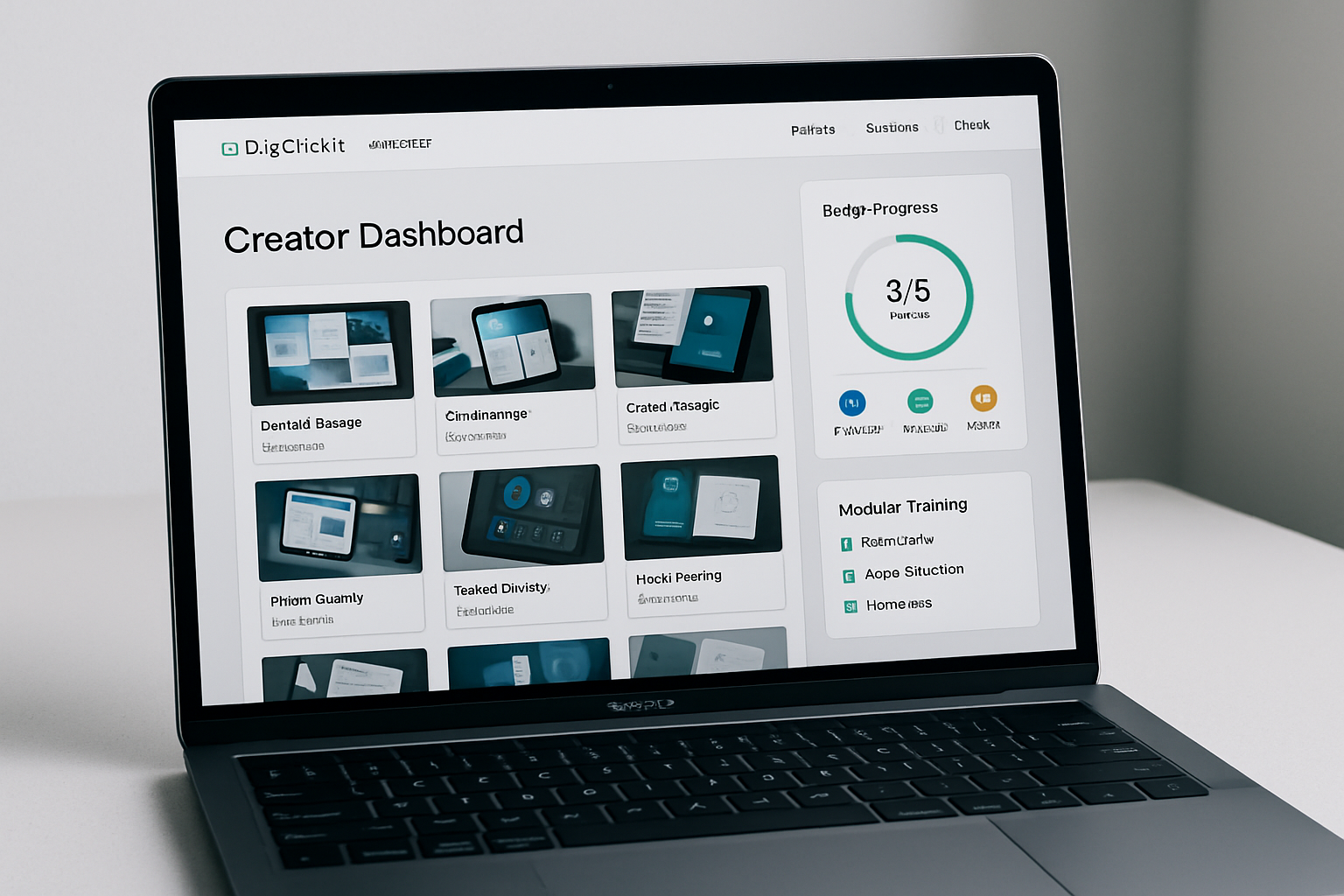
Access focused training modules that map directly to badge criteria and skill growth milestones.
Showcase project work inside the ecosystem and boost discovery by clients and collaborators.
Join creator squads, share briefs, and collaborate on live client projects.
Stand out with peer-reviewed proof of expertise recognized across the DigiClickIt network.
Advance through stacked badges that chart a clear, expandable career pathway.
Modular training assets
DigiClickIt Academy delivers practical learning modules, reusable resources, and guided pathways so contributors can sharpen their craft, organize their workflow, and publish stronger portfolios. Every asset is built to scale with you—professional without feeling rigid.
Stackable lessons built around real creator workflows, so you can move fast without losing depth.
Templates, checklists, and plug-in components that shorten production time and elevate consistency.
Guided tracks that connect learning to portfolio outcomes, making progress visible and measurable.
Buildable outputs aligned with badges, so every module contributes to a real showcase piece.
Creator Portfolios
DigiClickIt Academy gives members a portfolio-grade stage to present selected work, document measurable outcomes, and earn visibility inside a trusted ecosystem of creators and collaborators.
Impact snapshots
Highlight goals, process, and results with structured showcase blocks.
Ecosystem visibility
Get noticed by collaborators, mentors, and partner teams.
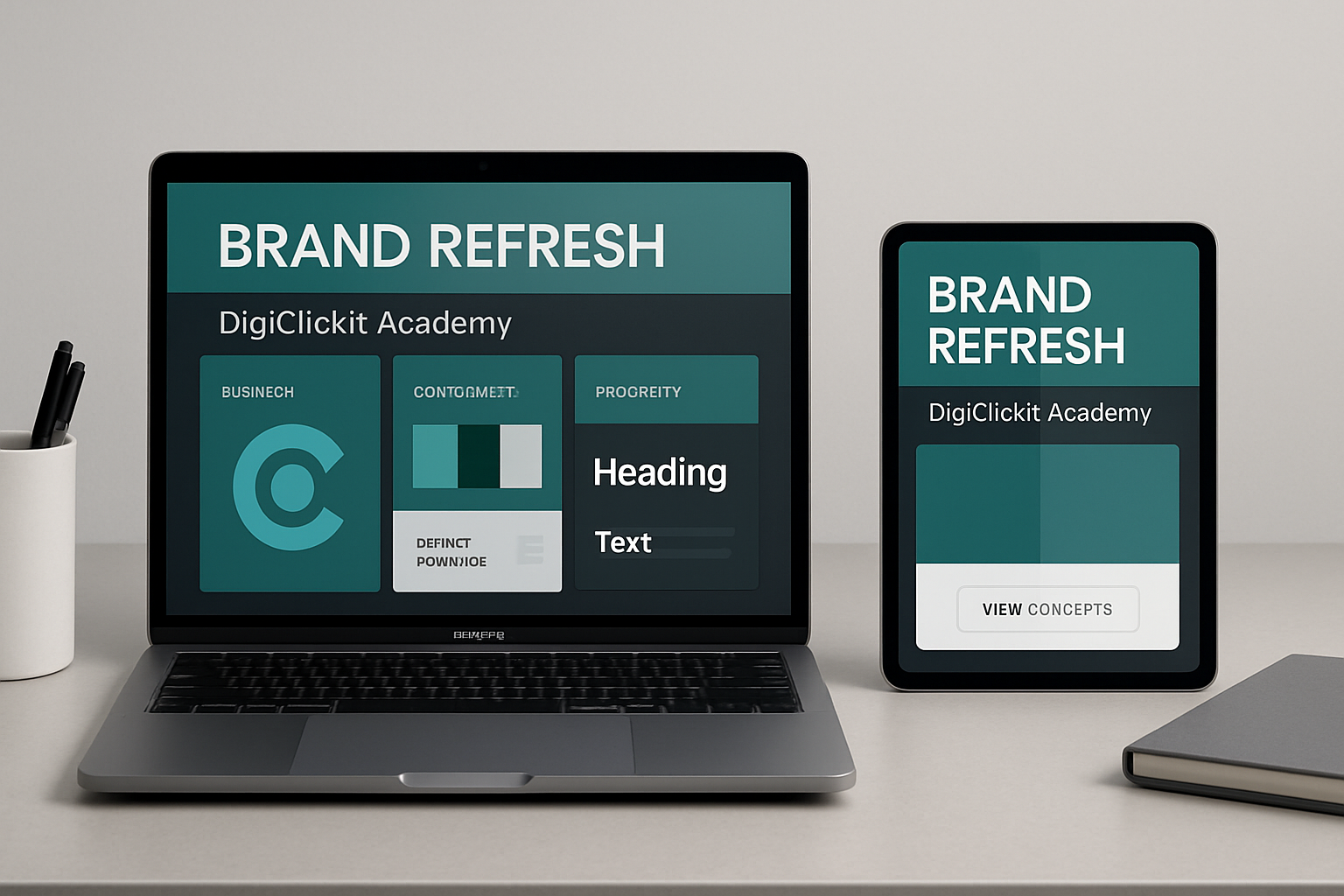
Positioning, visual system, and rollout plan that lifted inbound leads by 32%.
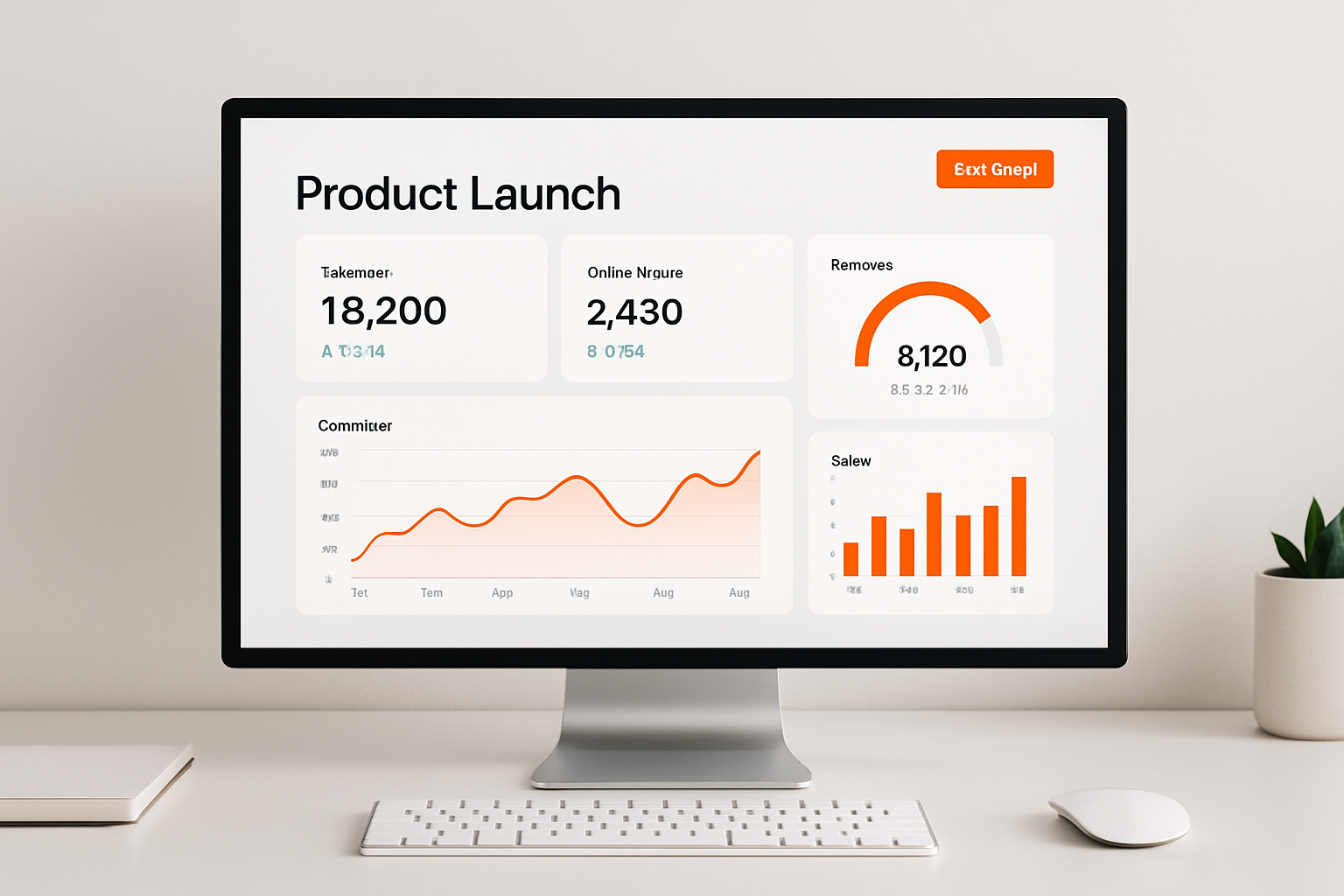
Conversion-focused onboarding flow with modular training assets and badges.

Shared narrative, asset kit, and publishing cadence to amplify ecosystem visibility.
Community pulse
DigiClickIt Academy keeps creator work moving forward with scalable pathways, project-ready resources, and collaboration built in.
Structured routes to earn badges, ship work, and grow visibility.
Modular builds you can complete, showcase, and refine over time.
Reusable training assets that scale with your creator workflow.
Connection points for teams, mentors, and cross-discipline builds.
Contributor program
We partner with professionals who want their work to be seen, taught, and celebrated. Contribute modular training assets, submit portfolio projects, or apply for skill badges that elevate your profile across the Academy ecosystem.
Whether you're a designer, strategist, developer, or educator, you’ll gain visibility, community support, and access to collaborative opportunities that grow with your ambitions.
Spotlight placement
Get featured on portfolio highlights and curated showcases.
Credentialed recognition
Earn badges that validate your expertise and unlock new briefs.
Collaboration pipeline
Connect with vetted teams and community-led opportunities.
Ready to join?
Submit your profile and we’ll match you with a contributor track.
Review contributor FAQsEverything you need to know about joining the ecosystem, earning badges, and showcasing your work in a trusted, professional space.
Visit the Contributor Application section to submit a request or explore the badge pathways.